


Brokers & Connections
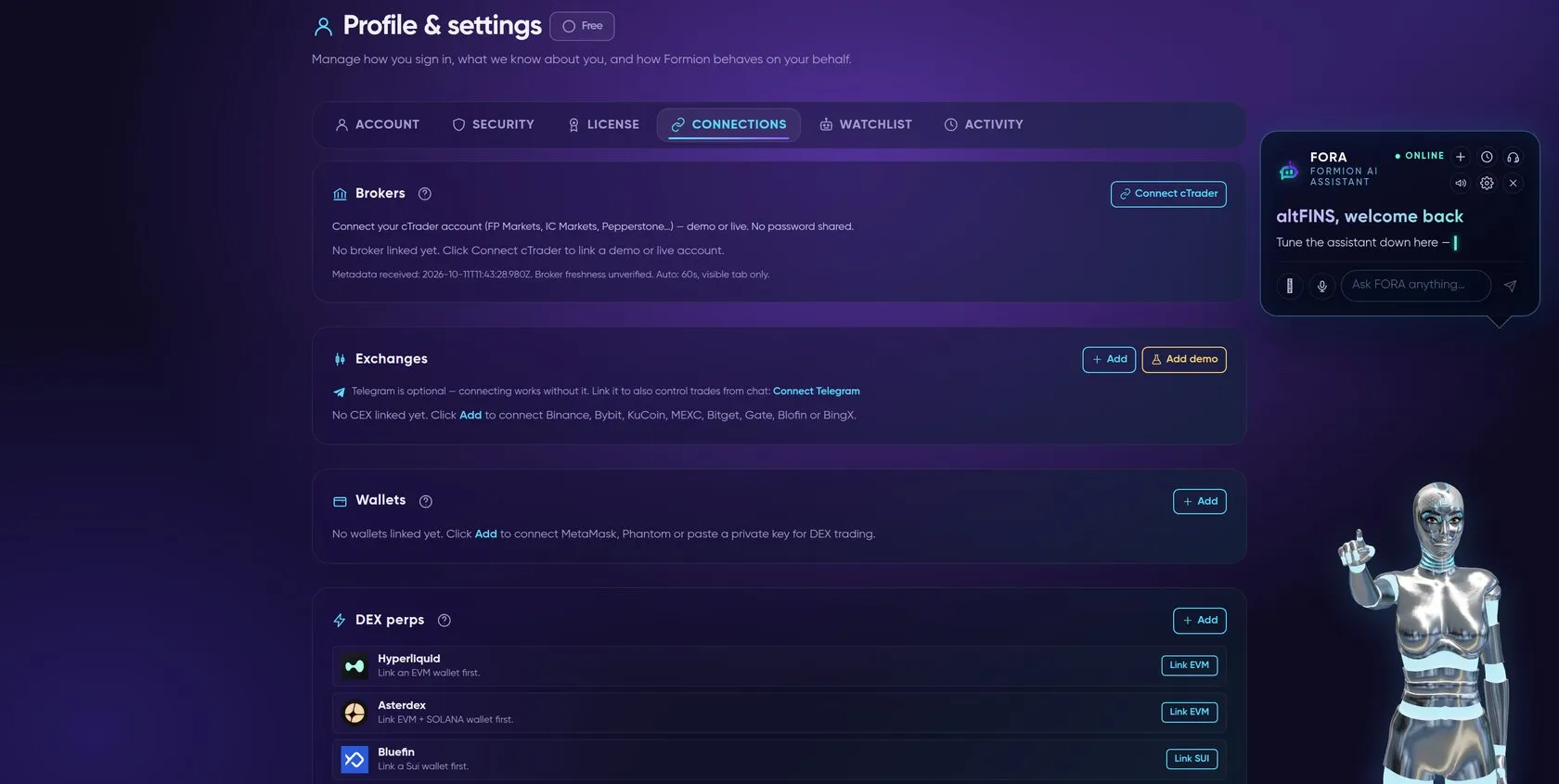
Formion works with your accounts — you never move funds to us. Connect at formion.ai → Profile → Connections or on your formion.ai dashboard (and for exchange API keys, see How to Start — API Connection).
What you can connect
Section titled “What you can connect”- CEX (API key): spot + perps.
 OKX,
 Coinbase and
 Kraken are listed as coming soon.
 Binance and
 Bybit can also be linked as demo (testnet) accounts. Create a key with the permissions you want (read-only for tracking, trade for bots — never enable withdrawals) and paste it in. Step-by-step with screenshots on the API Connection page.
 cTrader (OAuth): link a cTrader account at
 FP Markets, IC Markets, Pepperstone or another cTrader broker (demo + live) for forex, indices, metals and CFDs. OAuth means no API key or password to share — you authorise Formion from the broker. Neural allows 1 broker account, Pro 5, Institutional unlimited.
- DEX perps:
 Hyperliquid and other on-chain venues for perps; on-chain swaps route best-price across EVM,
 Solana and Sui.
- Wallets: view-only or trade-ready (encrypted) across EVM, Solana, Sui and TON.
- Prediction markets: link
 Polymarket, Kalshi or Limitless to place bets and see positions — see Prediction Markets.
Read-only vs full
Section titled “Read-only vs full”| Mode | What it does | Use for |
|---|---|---|
| Read-only | imports balances, positions & trade history | the Journal, analytics, tracking |
| Full (trade) | can place/manage orders you or a bot trigger | manual Trade dock, bots, marketplace strategies |
Once connected, your account flows into the Trading Journal automatically and becomes a target for bots and Strategy Lab strategies.