


Troubleshooting
Quick fixes for the most common issues. Still stuck? Email [email protected].
My exchange won’t connect / “API check failed”
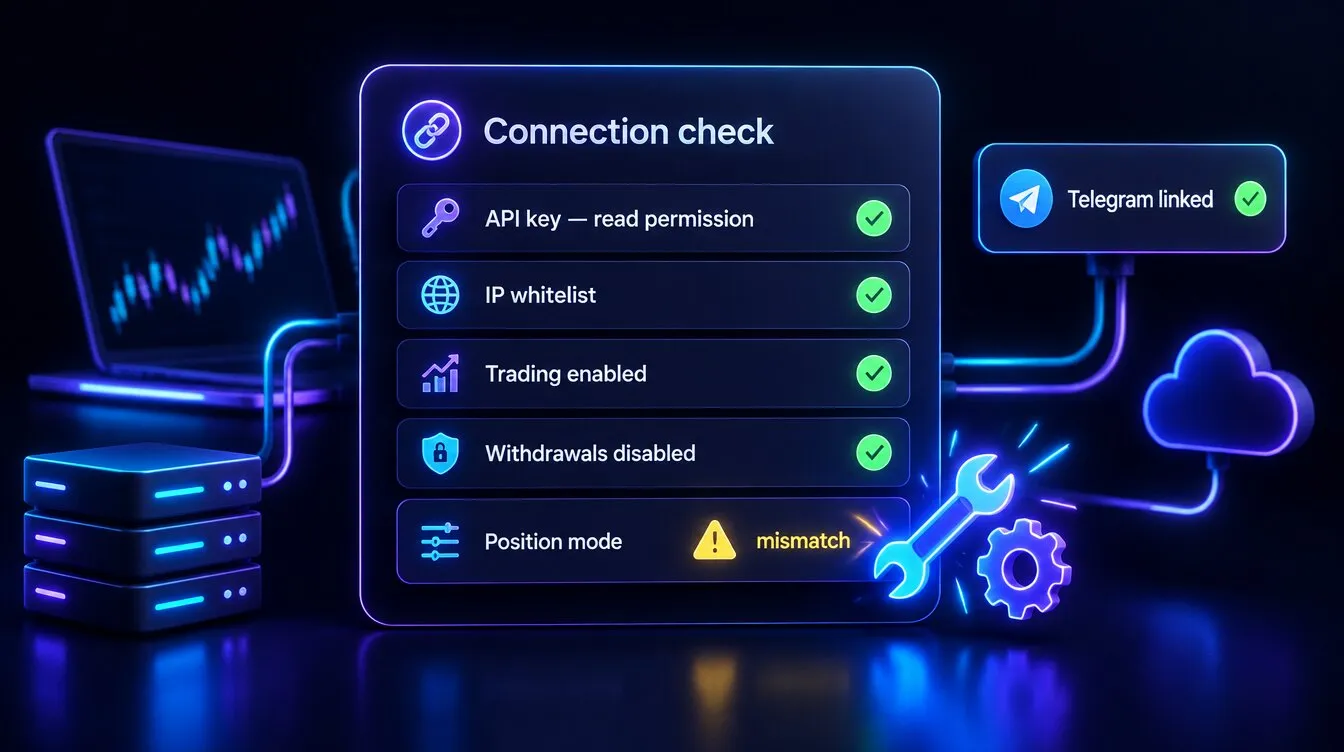
Section titled “My exchange won’t connect / “API check failed””- Formion verifies a new key with a balance call, so the key needs read permission.
- Add every IP from the whitelist to your API key — see How to Start — API Connection.
- Enable trading permission; keep withdrawals disabled.
 Binance Futures: Formion detects hedge or one-way position mode itself; if you get a position-mode mismatch error, switch to one-way mode (or disable hedge) on the exchange.
 Bybit: use a Unified Trading Account (UTA).
- Use a fresh key if you rotated it on the exchange.
Telegram not linked”
Section titled “Telegram not linked””Some features (and the FORA bot) require a linked  Telegram. Link it in formion.ai → Profile → Connections.
My balance shows $0 or “—”
Section titled “My balance shows $0 or “—””- A momentary “—” usually means a balance read is being retried — it should refresh on the next tick.
- If it persists, re-check the API key’s read permission and IP whitelist.
My bot isn’t trading
Section titled “My bot isn’t trading”- Make sure the bot is set to Active (not Paused).
- Live bots require a Pro (5) or Institutional (unlimited) plan; the free tier runs paper bots only.
- Confirm the bot’s exchange is still connected and funded.
My chart alert didn’t fire a trade
Section titled “My chart alert didn’t fire a trade”- The alert’s Webhook URL must be set to the Formion webhook, and the Message must contain the bot’s exact Open/Close token.
- The bot must be Active, and the exchange connected. See Webhook Automation.
Order rejected” (min size / insufficient margin)
Section titled “Order rejected” (min size / insufficient margin)”- Most venues require a minimum order value (~$5) — increase your size.
- Check you have enough free margin (lower the leverage or size).
I’ve hit my AI limit
Section titled “I’ve hit my AI limit”Each plan has an AI budget (Neural ~$2/mo · Pro $5/day · Institutional $30/day). Connect your own key (BYOK) on any tier for effectively unlimited usage, or upgrade your plan. See Pricing & Tiers.
Something looks wrong / a number seems off
Section titled “Something looks wrong / a number seems off”Hard-refresh the page (Ctrl/Cmd + Shift + R) to clear a stale cache, then retry. If it persists, tell us at [email protected].